Player Hub
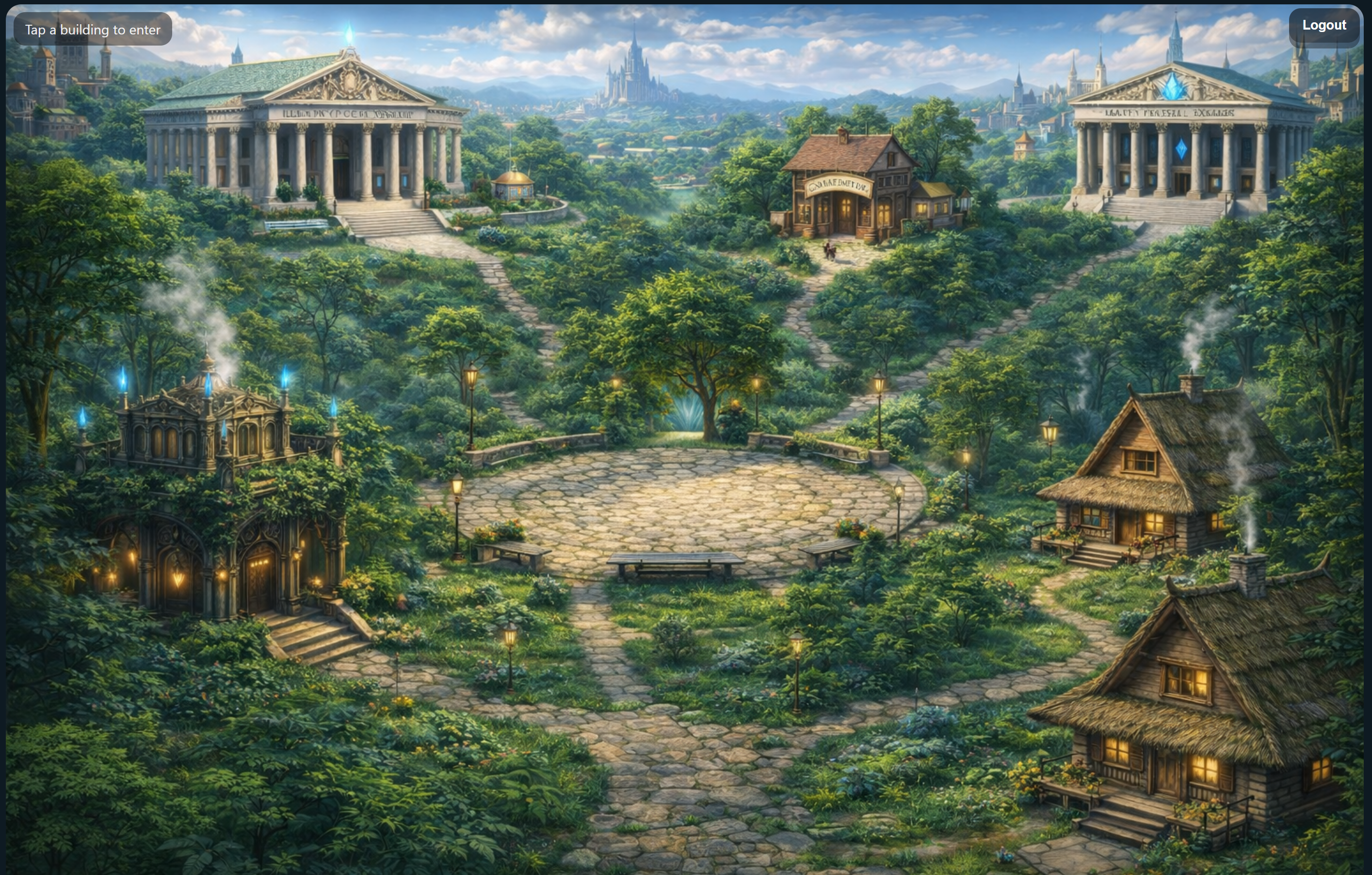
The village square is the starting point. Students choose their next stop from one clear game world menu.
A simple look at the HeroClass world from the student side: the hub, the dashboard, the bank, the store, teams, trading, and the library.
Students begin in the village square hub, then choose where to go. They can check progress, use powers, visit the bank, shop the store, trade crystals, read the library, and view their team.
The village square is the starting point. Students choose their next stop from one clear game world menu.
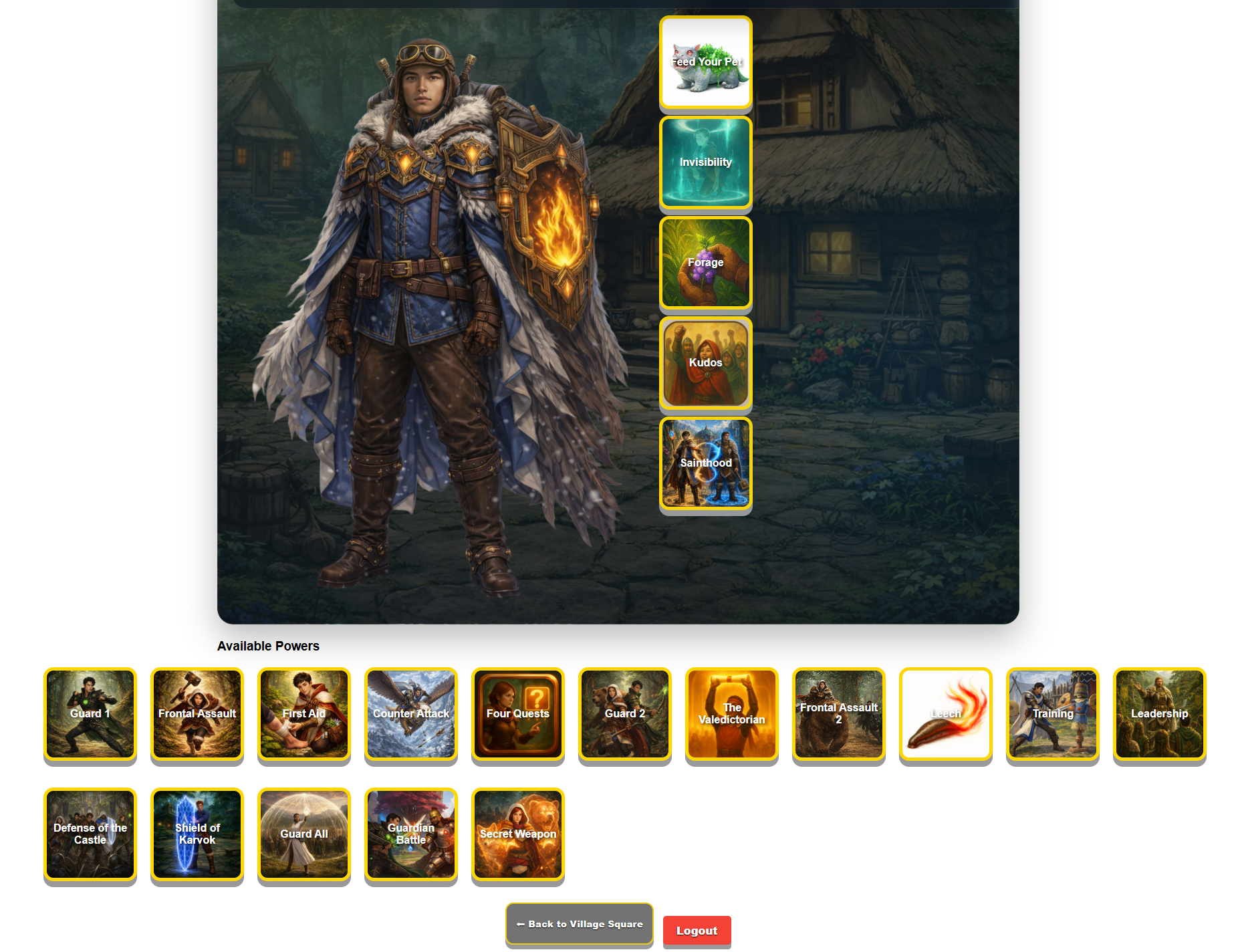
Students see their progress, stats, level, powers, and next steps.
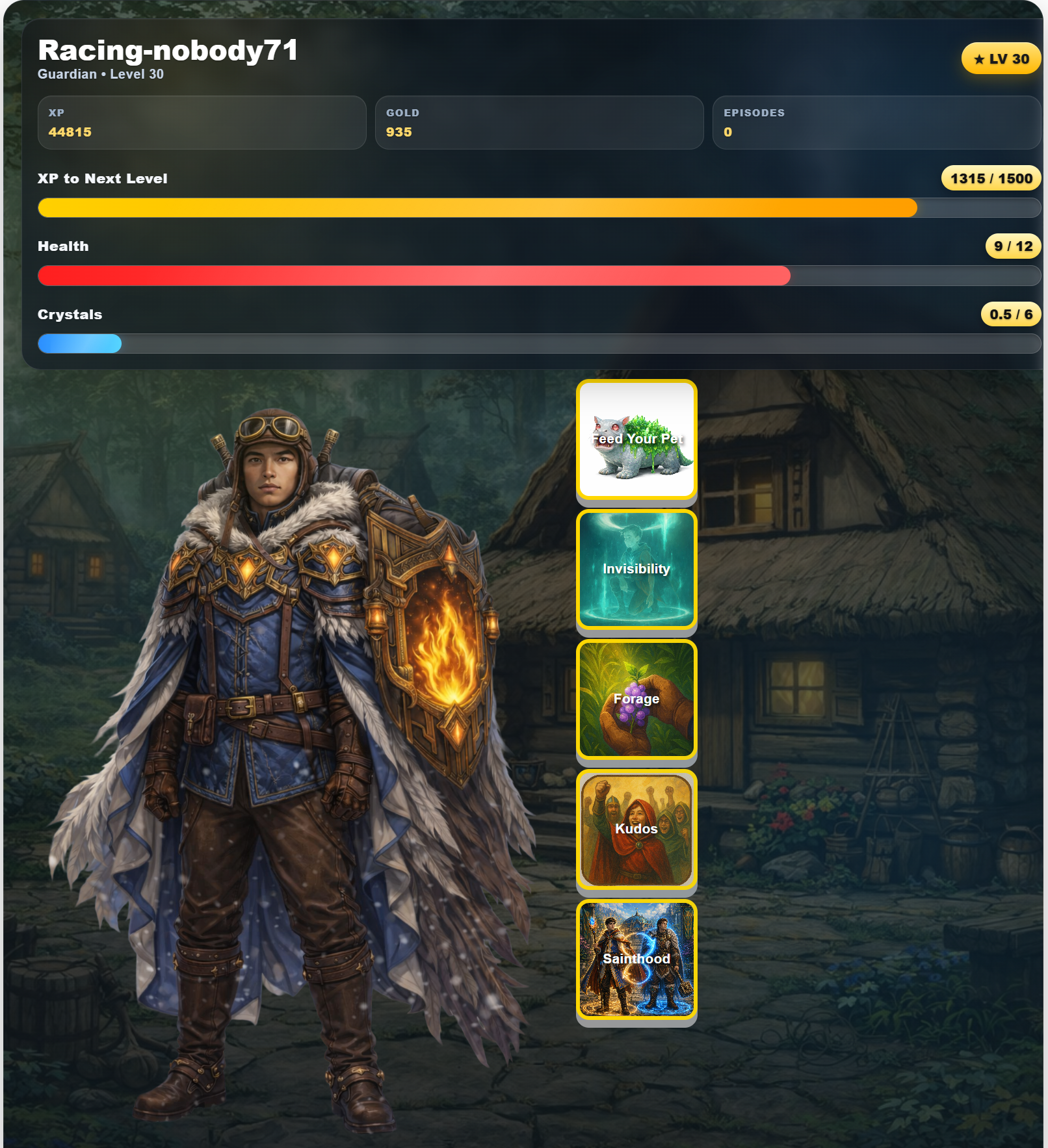
Students can track what they have earned and use powers when they are ready.
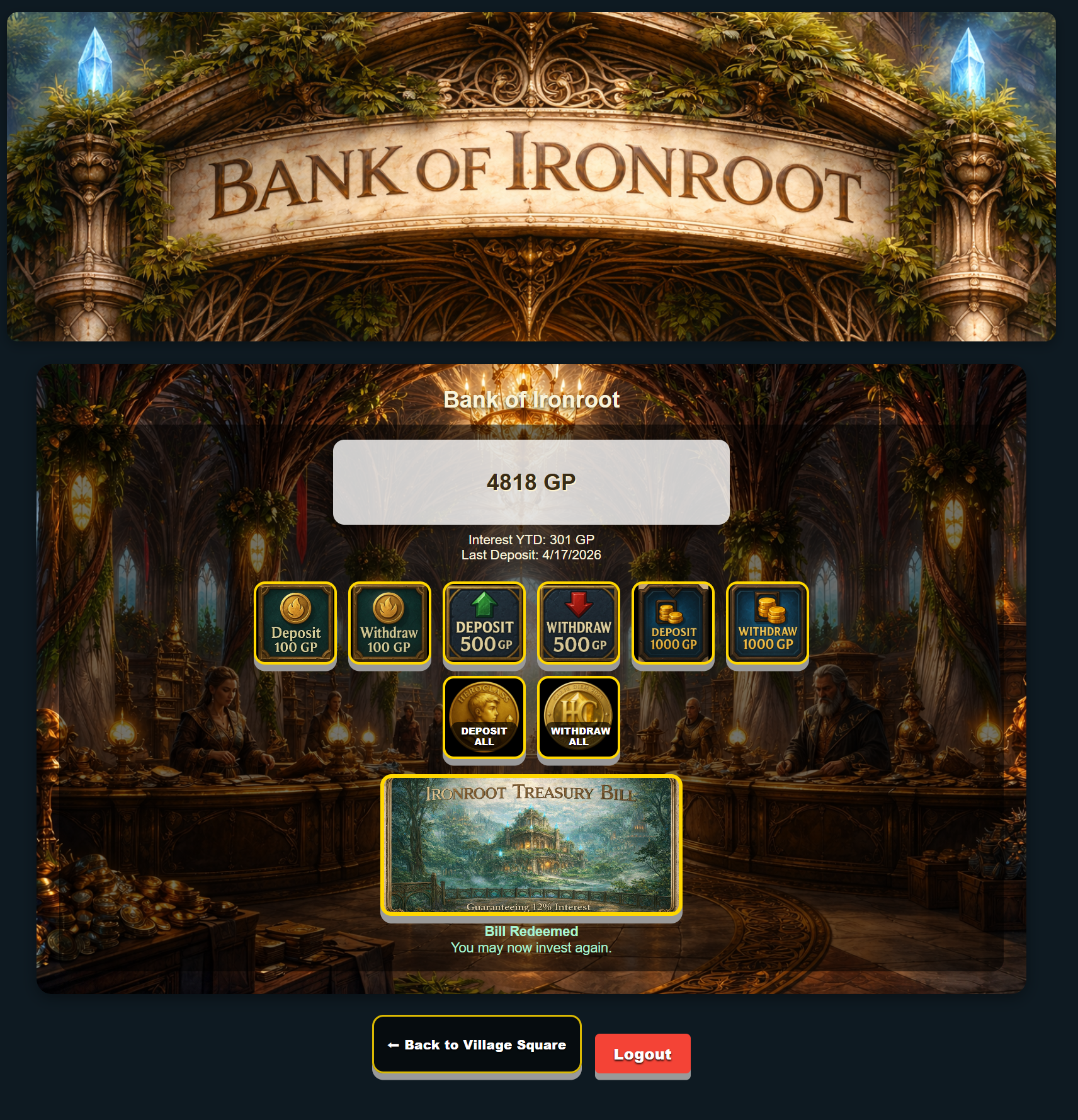
Students manage their gold, deposits, and longer-term choices.
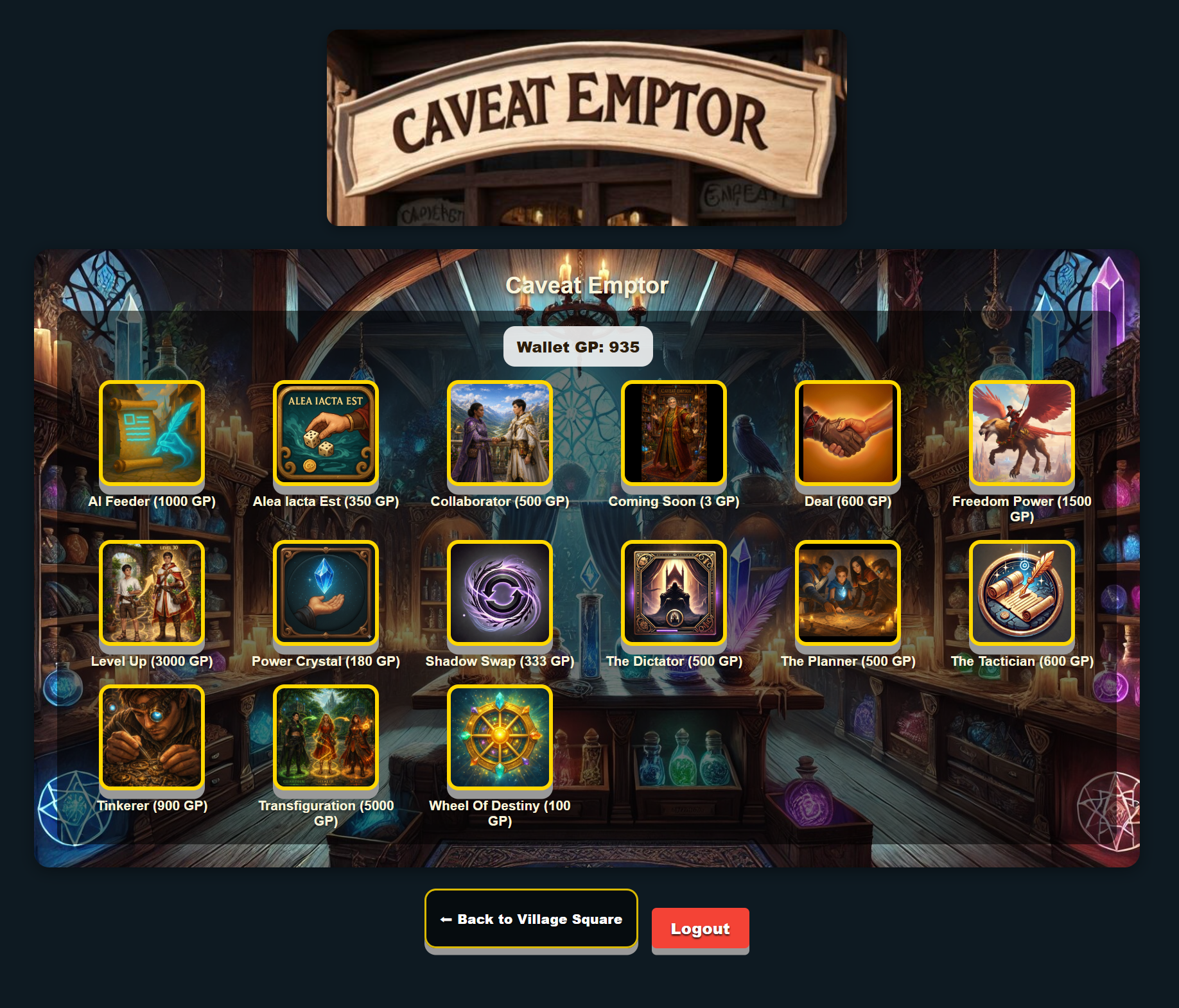
The store lets students spend earned currency on classroom powers and choices.
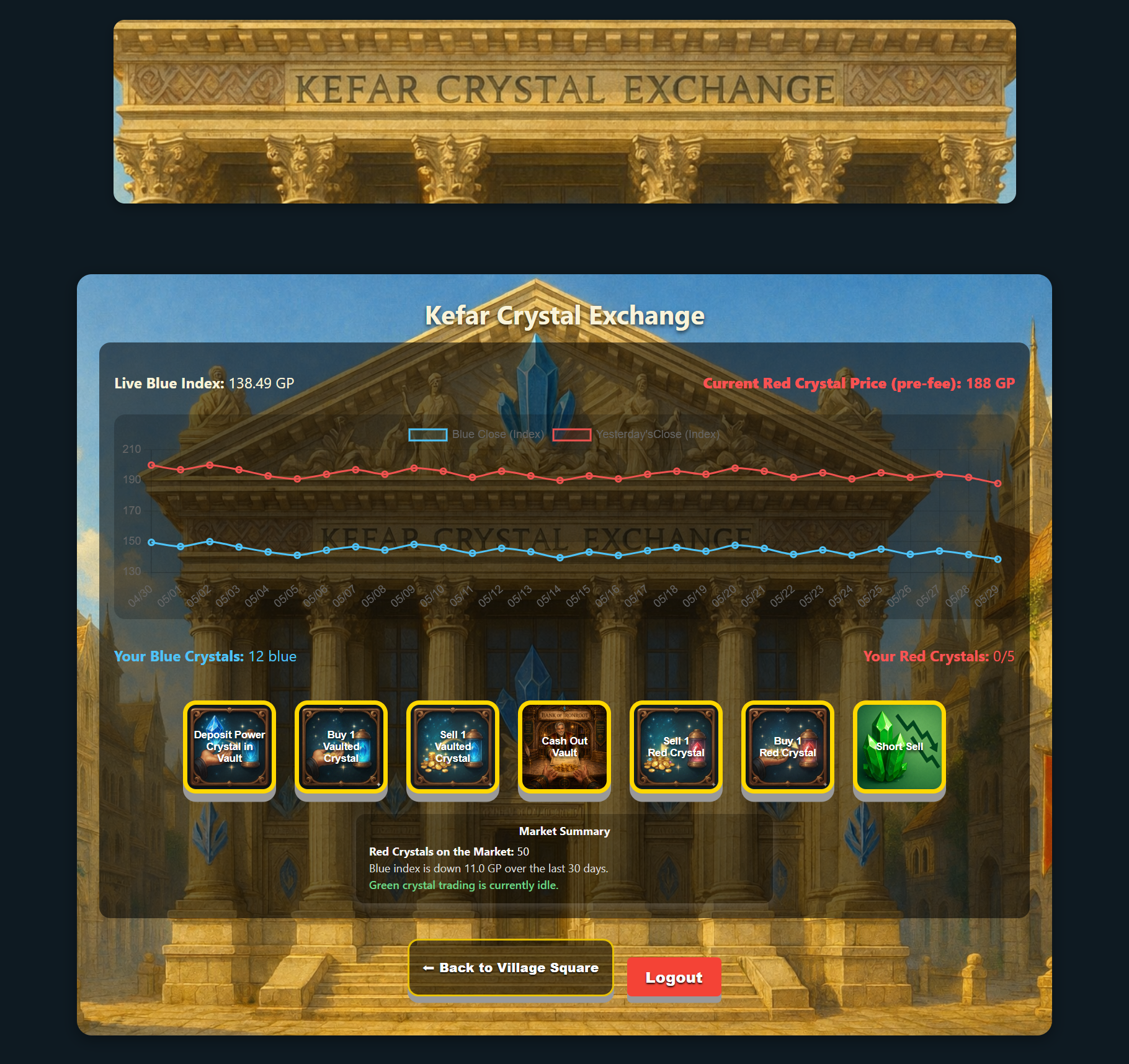
Students explore trading, risk, reward, and market-style decision making.
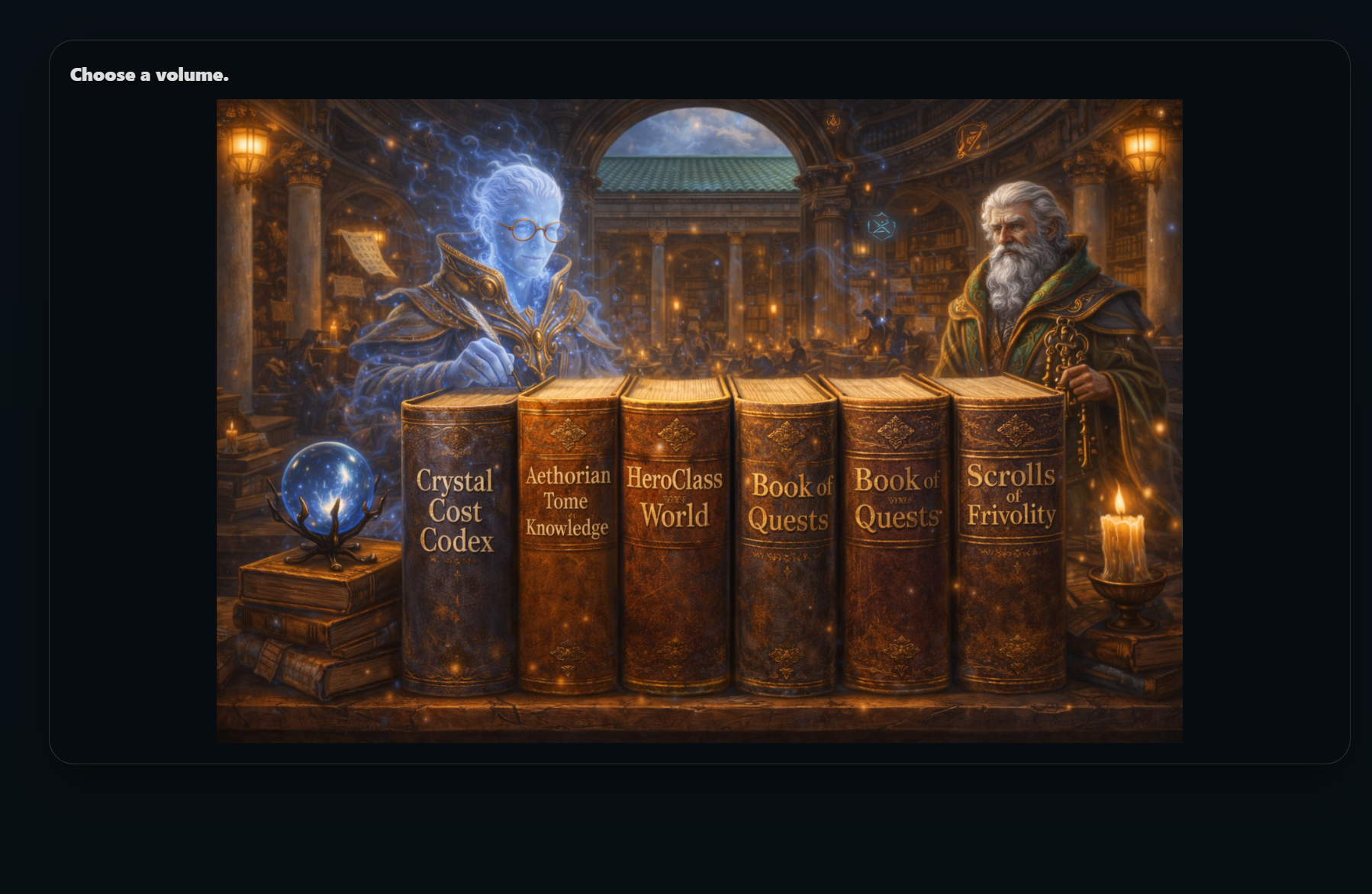
The library explains powers, roles, systems, and game choices in one place.
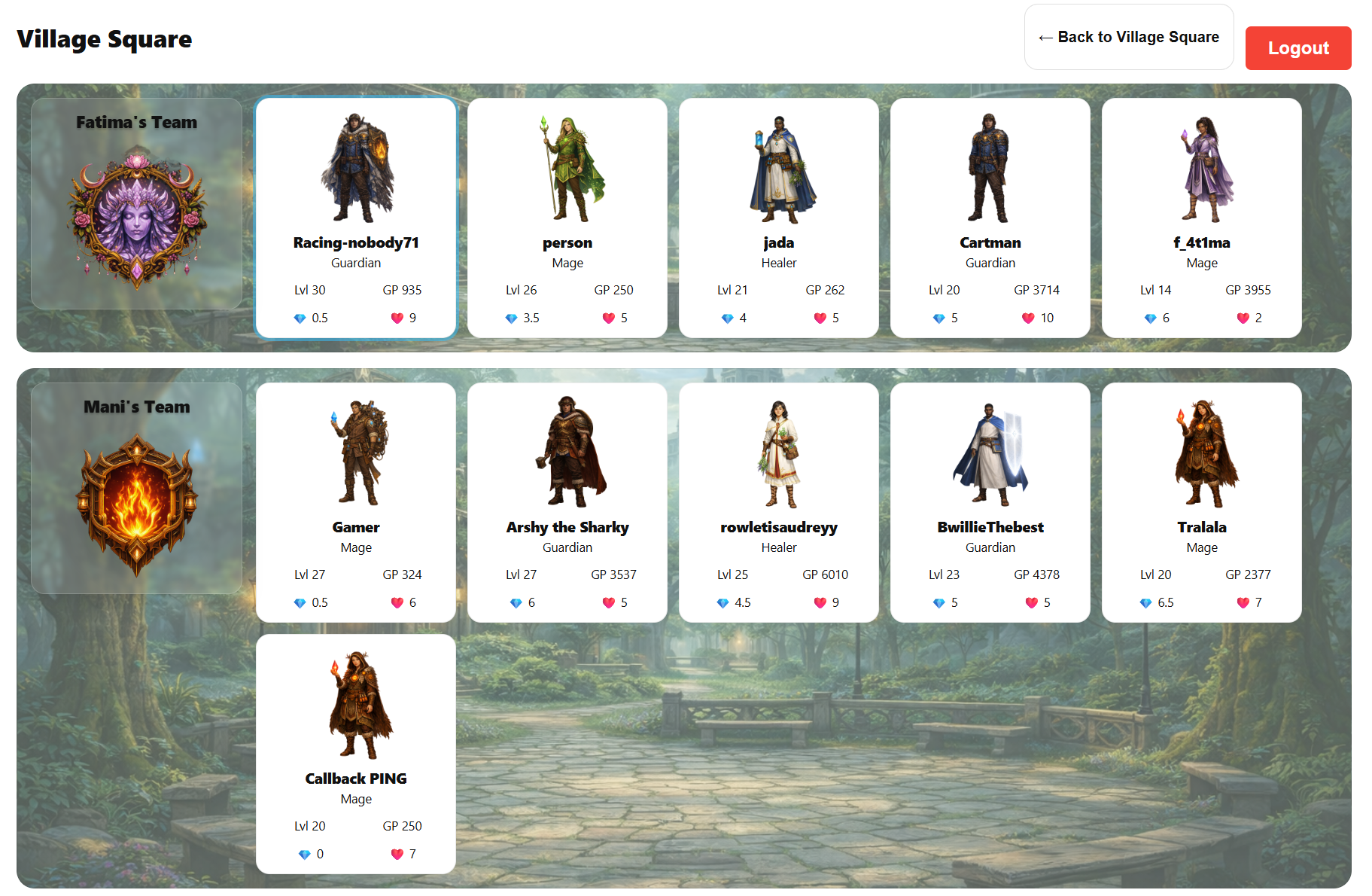
Students can see their team, classmates, and shared progress.
HeroClass gives students clear choices, visible progress, and a reason to care about the systems teachers build.